
SEO Details (for your CMS, not for the post body)
| Field | Value |
|---|---|
| SEO title (56 chars) | Pay PLI Premium by QR Code: Bharat Connect QR Now Live |
| (154 chars) | India Post launches a Bharat Connect QR Code for Postal Life Insurance. Scan it and pay your PLI premium with PhonePe, Google Pay or Paytm in a few steps. |
| URL slug | /pli-premium-payment-bharat-connect-qr-code |
| Focus keyword | India Post Latest News |
| Secondary keywords | PLI premium payment, Postal Life Insurance QR code, Bharat Connect, BBPS, India Post Notifications, India Post GK, India Post Current Affairs |
| Category / tags | India Post Services; PLI; Digital Payments; India Post Latest News |
| Image alt text | Official Bharat Connect QR Code for Postal Life Insurance premium payment |
Image note: the QR Code image was attached to the original letter but is not in the file shared here. Add the official QR image from your circle before publishing. Do not use a QR from any unofficial source.
Tips for Google Ads and Analytics: “how to pay PLI premium online” is a common search all year, so this can work as an evergreen guide with paid support. Track scrolls to the steps section and clicks to your course pages in GA4. Add HowTo and FAQPage schema.
Pay Your PLI Premium in a Few Taps
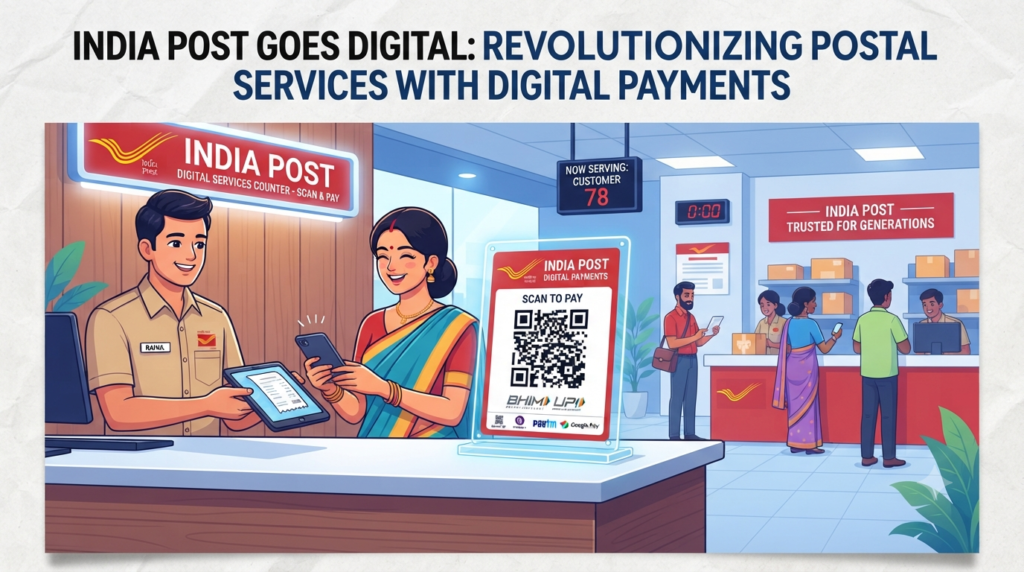
Paying a Postal Life Insurance (PLI) premium is now as easy as scanning a QR code. India Post has made a Bharat Connect QR Code for PLI live. Scan it, choose PhonePe, Google Pay or Paytm, and pay your premium from your phone.
The Directorate of Postal Life Insurance shared this with all Chief Postmasters General through letter F. No. PLI-56/16/2025-PLI-DOP dated 9 October 2026. It is signed by Shri Kamal Kumar Sharma, DDM-III, PLI Directorate.
Circles have been asked to share the QR Code widely through email, WhatsApp and social media. They have also been asked to print it and display it clearly at post office counters.
Quick facts at a glance:
- Service: PLI premium payment by QR Code
- Built by: the BBPS (Bharat Bill Payment System) team
- Status: live and ready for customers
- Apps you can use: Bharat Connect-enabled apps like PhonePe, Google Pay and Paytm
- Where to find the QR: at post office counters and on official India Post channels
- Letter date: 9 October 2026
What is Bharat Connect?
Bharat Connect is the new name for the Bharat Bill Payment System (BBPS). It is the common system behind bill payments in most UPI and payment apps. Because PLI is listed on Bharat Connect, you can pay your premium from the apps you already use.
How to Pay Your PLI Premium Using the QR Code
- Find the official QR Code at your post office counter or on an official India Post channel.
- Scan it with your phone camera or any UPI app.
- Pick your payment app. Choose a Bharat Connect-enabled app such as PhonePe, Google Pay or Paytm.
- You land on the PLI biller page. Enter your PLI policy details when asked.
- Fetch your bill. The app shows the premium due.
- Check and pay. Confirm the amount and complete the payment.
- Save the receipt. Keep the payment confirmation for your records.
Stay Safe While Paying
- Scan only the official QR Code shown at a post office or shared by India Post.
- Check the biller name shows Postal Life Insurance before you pay.
- Never share your UPI PIN or OTP with anyone, even someone claiming to be from the post office.
- Remember: you enter your UPI PIN only to pay, never to receive money.
- If a payment fails or is not updated, contact your nearest post office with the transaction details.
What Post Offices Will Do
- Print the QR Code and display it clearly at counters.
- Share it through email, WhatsApp and social media.
- Help customers who come to the counter use the QR Code.
A Note for Departmental Exam Aspirants
PLI, RPLI and digital payment services are regular topics in the GDS to MTS Departmental Exam, the GDS to Postman Exam and the MTS to PA and Postman to PA exams. New facilities like this one often appear in India Post Current Affairs questions.
- Revise PLI and RPLI rules from your GDS to MTS Syllabus or Postman to PA Syllabus.
- Solve GDS to MTS Previous Year Question Papers on insurance topics.
- Practise with an India Post Quiz and an India Post Mock Test every week.
Our GDS to MTS Online Classes, GDS to Postman Coaching and MTS to PA Online Classes cover PLI and India Post GK with live and recorded lessons and a full question bank.
Frequently Asked Questions
Can I pay my PLI premium by scanning a QR Code? Yes. The Bharat Connect QR Code for PLI is live for customers.
Which apps can I use? Bharat Connect-enabled apps such as PhonePe, Google Pay and Paytm.
Where can I find the QR Code? At post office counters, and on official India Post email, WhatsApp and social media channels.
Who developed the QR Code? The BBPS (Bharat Bill Payment System) team.
Is it safe to pay this way? Yes, if you scan only the official QR Code and check that the biller is Postal Life Insurance. Never share your UPI PIN or OTP.
When was this announced? Through a PLI Directorate letter dated 9 October 2026.